Metatrader: Comprehensive Guide - What You Need to Know
Published: 2026-04-18
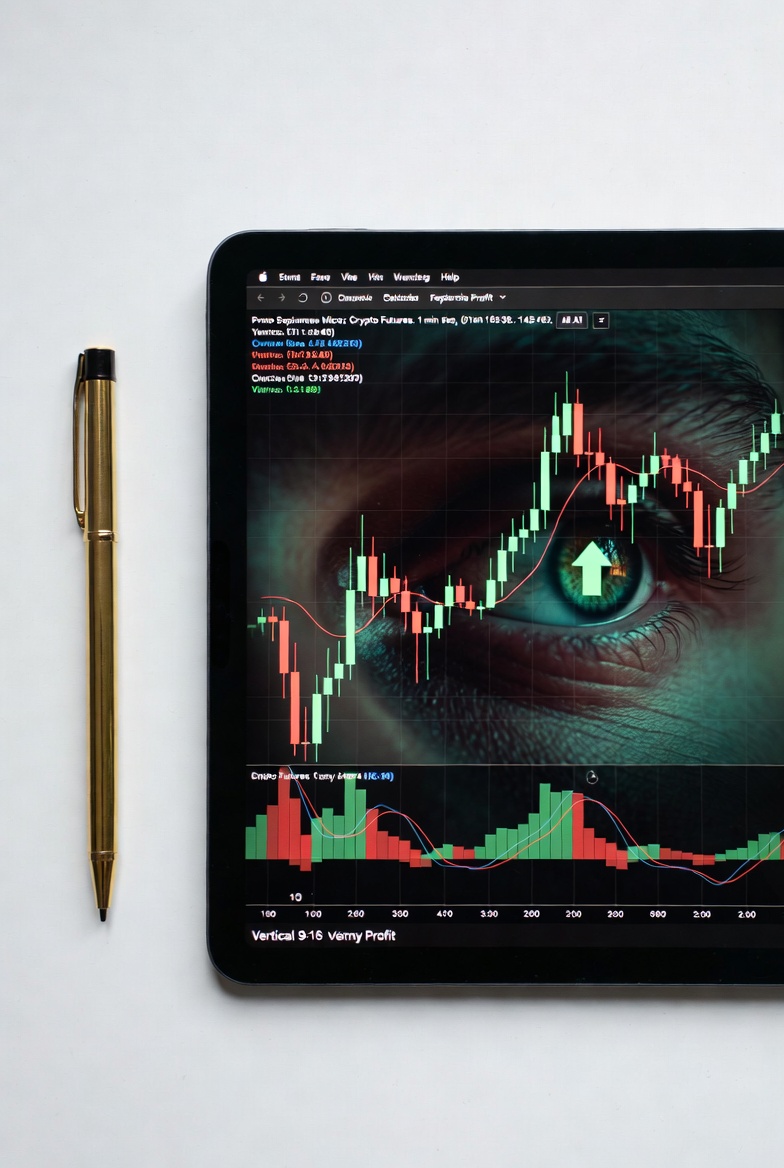
MetaTrader: Comprehensive Guide - What You Need to Know
Are you looking to elevate your forex trading? Understanding powerful trading platforms is crucial for success. MetaTrader, particularly MetaTrader 4 (MT4) and MetaTrader 5 (MT5), stands as a titan in the retail trading world. These platforms provide traders with the tools needed to analyze markets, execute trades, and automate strategies.
What is MetaTrader?
MetaTrader is a family of electronic trading platforms developed by MetaQuotes Software. Primarily used for online trading in forex, CFDs (Contracts for Difference), and other financial markets, it offers a robust environment for both beginners and experienced traders. Think of it as your digital trading desk, equipped with charting tools, order execution capabilities, and analytical functions.
MetaTrader 4 (MT4) vs. MetaTrader 5 (MT5)
While both are popular, MT4 and MT5 have key differences. MT4, released in 2005, is renowned for its stability and widespread adoption, especially among forex traders. MT5, launched in 2010, is a more advanced platform, offering access to a wider range of markets and enhanced analytical tools.
Key Differences:
- Markets: MT4 is primarily for forex and CFDs. MT5 supports forex, stocks, futures, and options, offering more market diversity.
- Indicators: MT4 has 30 built-in technical indicators. MT5 boasts 38, along with 44 graphical objects for deeper analysis.
- Timeframes: MT4 offers 9 timeframes. MT5 expands this to 21, allowing for more granular chart analysis.
- Programming Language: MT4 uses MQL4. MT5 uses MQL5, which is more object-oriented and powerful, enabling more complex automated trading strategies.
- Order Execution: MT5 introduces hedging and netting account systems, offering more flexibility in how trades are managed.
Key Features of MetaTrader Platforms
MetaTrader platforms offer a comprehensive suite of features designed to empower traders. These tools are essential for navigating the complexities of financial markets and making informed trading decisions.
1. Advanced Charting Tools
Accurate charting is the bedrock of technical analysis. MetaTrader provides interactive charts with a multitude of timeframes, from minutes to months. You can overlay hundreds of technical indicators, such as Moving Averages and RSI (Relative Strength Index), to identify trends and potential trading signals. For instance, a trader might use a Moving Average Convergence Divergence (MACD) indicator to spot shifts in momentum.
2. Technical Indicators and Graphical Objects
Both MT4 and MT5 come pre-loaded with a variety of technical indicators. These are mathematical calculations based on price and volume data, designed to predict future price movements. Graphical objects, like trendlines and Fibonacci retracements, allow for visual analysis of price action. For example, drawing a trendline can help identify the direction of a market's movement.
3. Expert Advisors (EAs)
Expert Advisors are automated trading programs that can analyze market data and execute trades on your behalf. They are written in MQL4 or MQL5. This feature allows for algorithmic trading, where predefined rules dictate entry and exit points. For example, an EA could be programmed to buy EUR/USD when the 50-day moving average crosses above the 200-day moving average, and sell when the opposite occurs.
4. Order Execution Types
MetaTrader supports various order types to manage risk and capture opportunities. Market orders execute at the best available price. Pending orders, such as Limit and Stop orders, allow you to set specific conditions for trade entry. A Stop-loss order, for instance, is crucial for limiting potential losses on a trade. If a trade moves against you by a predetermined amount, the stop-loss order automatically closes the position to prevent further damage.
5. Fundamental Analysis Tools
While MetaTrader excels in technical analysis, it also incorporates tools for fundamental analysis. This includes access to news feeds and economic calendars, which provide real-time information on economic events that can impact currency prices. Staying informed about interest rate decisions or employment figures is vital for understanding market drivers.
6. Mobile Trading
The MetaTrader platforms are available on iOS and Android devices. This mobile accessibility ensures you can monitor your trades, analyze charts, and execute orders on the go. You are not tied to your desktop computer, providing flexibility in managing your trading portfolio.
Getting Started with MetaTrader
Starting with MetaTrader is a straightforward process. Most forex brokers offer MT4 or MT5 as their primary trading platform, often for free. You will need to download the platform from your broker's website and then log in using your trading account credentials.
Steps to Begin:
- Choose a Broker: Select a reputable forex broker that offers MetaTrader.
- Download and Install: Download the MetaTrader platform from your broker.
- Open a Demo Account: Practice with virtual money on a demo account before risking real capital. This allows you to familiarize yourself with the platform's features and test trading strategies without financial risk.
- Fund Your Live Account: Once you are comfortable, deposit funds into your live trading account.
- Start Trading: Begin executing trades based on your analysis and strategy.
Risks and Considerations
While MetaTrader offers powerful tools, it's crucial to remember that trading financial markets involves significant risk. Losses can exceed your initial investment, especially when trading with leverage. Leverage magnifies both profits and losses, meaning that a small market movement can result in a substantial gain or a devastating loss.
Automated trading systems (EAs) can also fail or produce unexpected results if not properly configured or if market conditions change drastically. It is essential to backtest any EA thoroughly and monitor its performance closely. Understanding the underlying mechanics of any trading strategy, whether manual or automated, is paramount to managing risk effectively.
Conclusion
MetaTrader platforms, MT4 and MT5, are indispensable tools for serious traders. They provide a comprehensive environment for market analysis, strategy development, and trade execution. By understanding their features, differentiating between MT4 and MT5, and practicing with caution, traders can leverage these powerful platforms to potentially enhance their trading performance. Always prioritize risk management and continuous learning in your trading journey.
Frequently Asked Questions (FAQ)
What is the difference between MT4 and MT5?
MT4 is primarily for forex and CFDs, while MT5 supports a wider range of markets like stocks and futures. MT5 also offers more built-in indicators, timeframes, and a more advanced programming language (MQL5) for automated trading.
Is MetaTrader free to use?
Yes, MetaTrader platforms are typically offered for free by forex brokers to their clients. The cost is usually integrated into the broker's trading spread or commission.
Can I use MetaTrader for stock trading?
MetaTrader 4 (MT4) is mainly designed for forex and CFDs. MetaTrader 5 (MT5) offers broader market access, including stocks, futures, and options, making it more suitable for stock trading.
What is an Expert Advisor (EA)?
An Expert Advisor (EA) is an automated trading program written in MQL4 or MQL5 that can analyze market conditions and execute trades based on predefined algorithms. It's like having a robot trader that follows your programmed instructions.
How can I protect myself from losses when using MetaTrader?
Use stop-loss orders to limit potential downside on any trade. Backtest any automated trading strategies (EAs) thoroughly. Never trade with money you cannot afford to lose, and always ensure you understand the risks associated with leverage.
Read more at https://forex.pm